Artist Development
IN THIS GUIDE
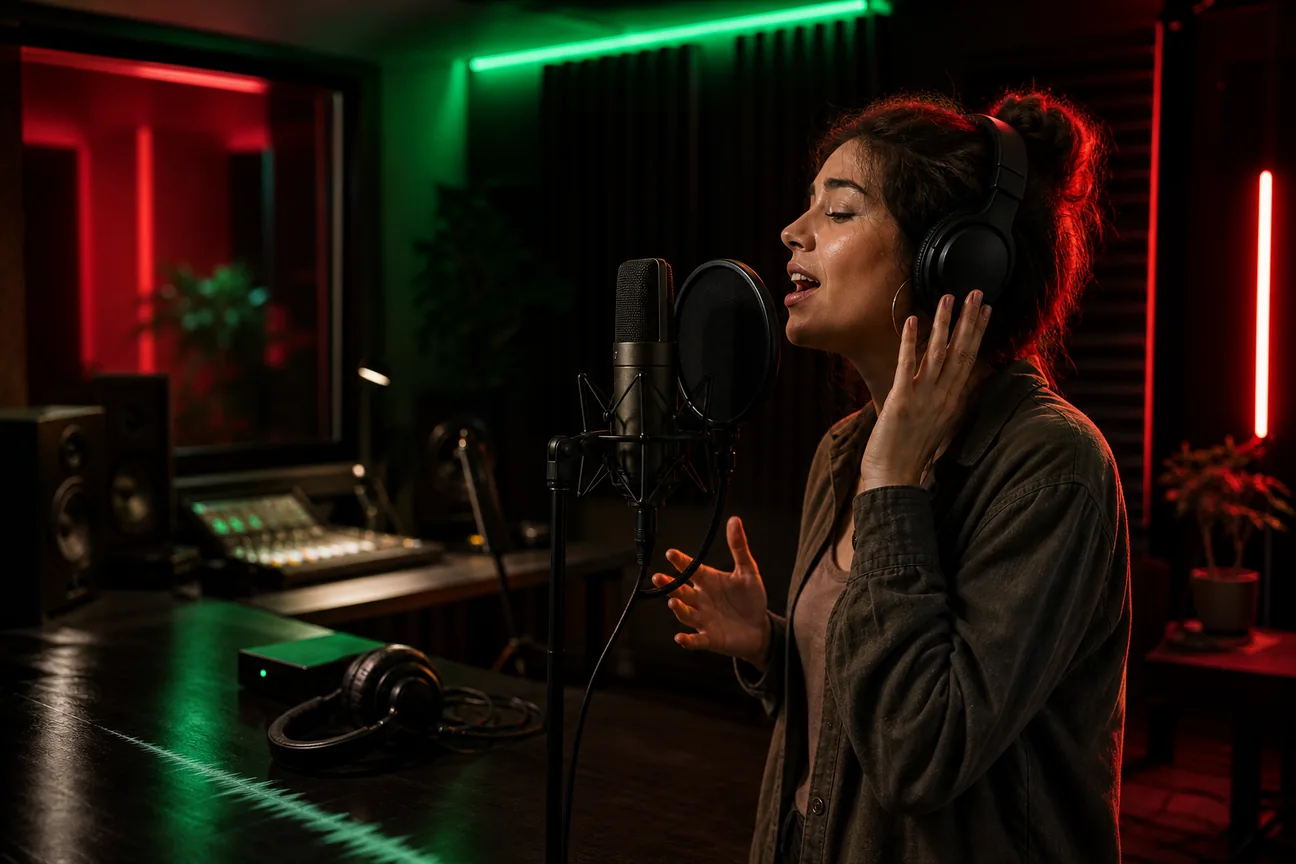
Compare 10 vocal recording apps for rap and singing, from GarageBand and BandLab to Pro Tools. Find the right fit for your budget, device, and workflow.
Your DAW can make vocal takes easier to capture and edit, but it won’t fix a noisy room or a clipped recording. Here are 10 vocal recording options, with the best fit for each workflow, plus a quick setup checklist to help you choose.
Table of Contents
Pro Tools by Avid: Best for commercial-studio workflows
REAPER by Cockos: Best for flexible recording on a budget
Logic Pro by Apple: Best for Mac-based songwriting and production
GarageBand by Apple: Best free starting point for Mac users
FL Studio by Image-Line: Best for beatmakers recording vocals to their own tracks
Ableton Live 12 Suite: Best for vocal producers who perform live
BandLab: Best for browser-based recording and collaboration
Ocenaudio: Best for quick vocal cleanup and audio edits
Ardour: Best for precise multitrack editing and routing
Mixcraft 10 Recording Studio by Acoustica: Best for PC users who like loop-based production
Vocal recording software comparison: features, cost, and platform
Quick vocal-recording setup checklist before you pick
Frequently asked questions
Conclusion
1. Pro Tools by Avid: Best for commercial-studio workflows
Pro Tools by Avid is a multitrack DAW built for recording and mixing work. It’s a strong fit for engineers, vocal producers, and artists who expect to work in commercial studios. Take lanes help keep multiple passes in one session, so you can pick the strongest phrases for a final vocal comp.
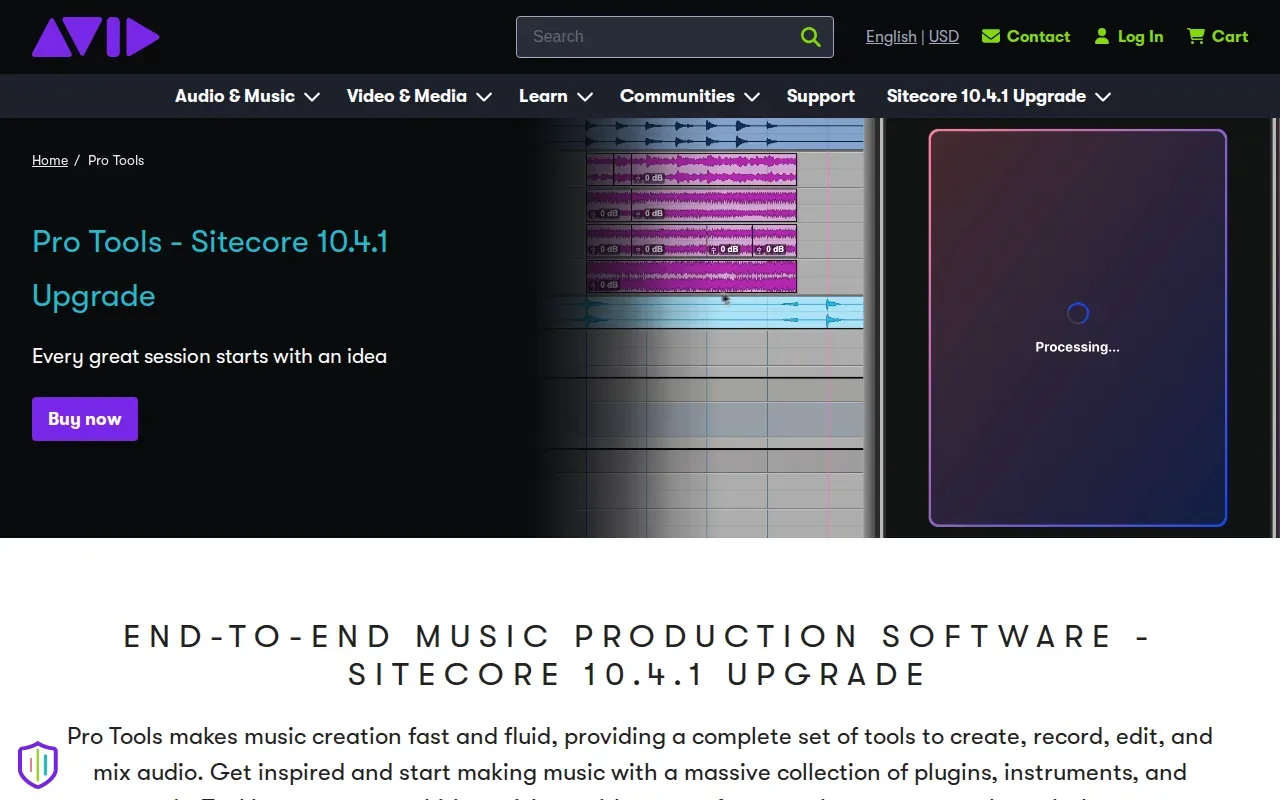
Punch-in recording lets you repair a small section without redoing the whole performance. That’s useful when one line needs a cleaner delivery but the rest of the take feels right. Pro Tools Intro has a free tier, though it’s limited. Expect to spend time learning input and output setup if this is your first DAW.
For a singer or rapper, the main draw is the editing workflow. If you record at home and only need quick demos, that depth may feel like more than you need.
2. REAPER by Cockos: Best for flexible recording on a budget
REAPER by Cockos is a Windows and macOS DAW for vocal tracking, editing, and mixing. It suits artists who want tight control over signal routing without a fixed, one-size-fits-all session layout. You can save a take template and use it again, which helps when you record the same song in several sessions.
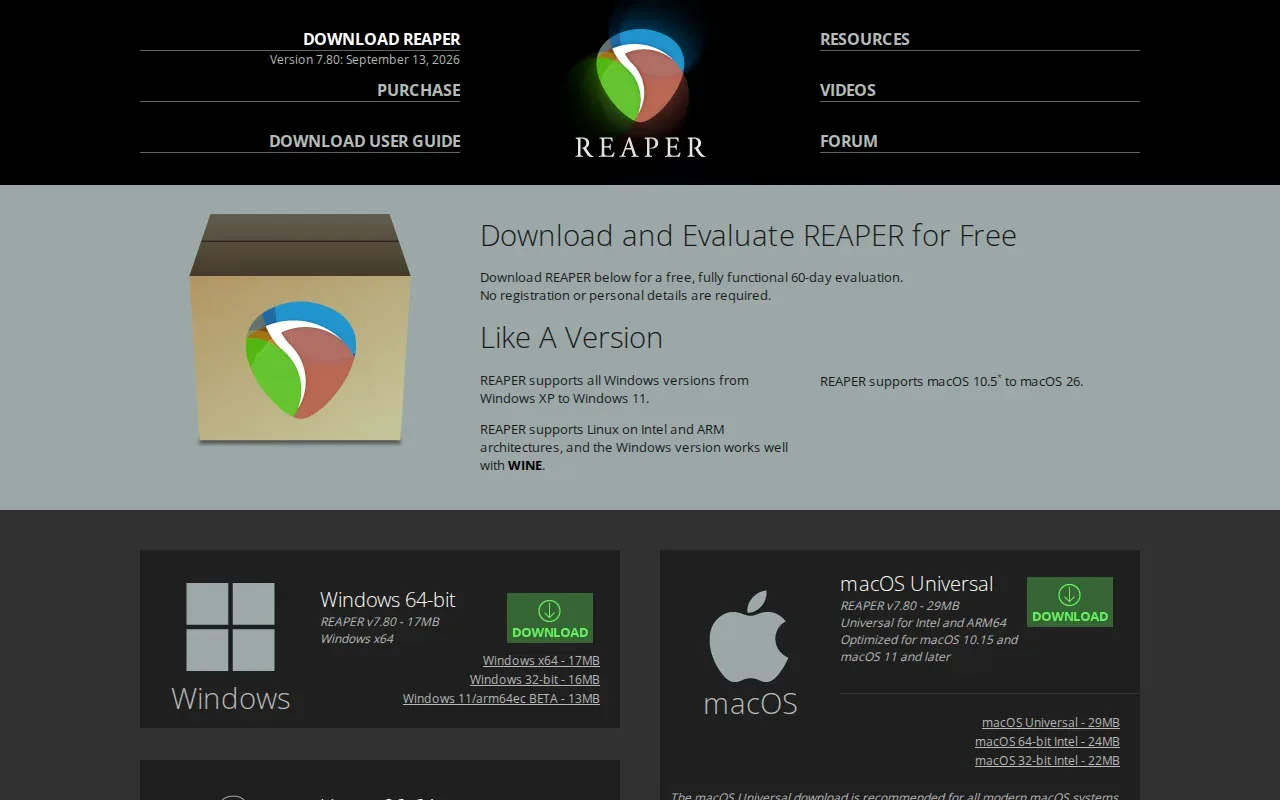
Its workflow supports multitrack recording and non-destructive editing, so changes don’t have to erase the original take. That’s helpful when you’re testing alternate line edits or building a comp from several passes.
The tradeoff is that flexibility can take time to set up. If you want a ready-made recording workflow on day one, a simpler DAW may feel easier.
3. Logic Pro by Apple: Best for Mac-based songwriting and production
Logic Pro by Apple is a Mac-focused production system for songwriters who want to build and record in one project. It’s a good match if your beat, arrangement, and vocal parts all need to live together. Pitch workflows can include Melodyne integration, and Logic supports AU vocal effects.

That gives you room to record a lead, add layers, then shape the vocal as part of the song. But pitch correction and other effects are separate from recording itself. A DAW captures and edits audio; plugins process it. If you’re new to recording, start with a clean take before adding effects.
Logic is for Mac users. If you record on Windows, this isn’t the right pick. Mac users who want a deeper production setup should compare it with GarageBand before deciding how much workflow they need.
4. GarageBand by Apple: Best free starting point for Mac users
GarageBand by Apple is a free macOS recording suite with multitrack recording, punch-in, and built-in editing. It works well for a first demo or a home vocal session when you want to record over a beat without building a complex setup.

Punch-in recording can replace a missed phrase while leaving the rest of the take in place. That keeps a session moving when you’re tracking alone. GarageBand is less suited to large projects that need deep routing or advanced session control. Still, it’s a sensible first DAW if you own a Mac and want to learn recording before paying for more tools.
If you’re mixing rap vocals in GarageBand, this beginner’s guide to mixing rap vocals in GarageBand can help you move from a raw take to a mix.
5. FL Studio by Image-Line: Best for beatmakers recording vocals to their own tracks
FL Studio by Image-Line combines a fast clip-based workflow with deeper studio features. It fits beatmakers who write, build a track, record vocals, and mix in the same project. If the beat is already in your session, you can move between production and vocal tracking without switching programs.

Its built-in vocal tools include compression, EQ, de-essing, time-based processing, and pitch correction. That gives you ways to shape a vocal in the project, though advanced tuning needs may still call for a dedicated plugin. The clip-based approach may feel natural for beat construction but can take adjustment if you prefer a traditional recording timeline.
Choose it when making beats is already part of your vocal workflow. If you only record voice-over, many of its production tools may go unused.
Key Takeaway: A DAW records and edits your voice. A plugin adds processing, while a mic and interface capture the sound before it reaches the DAW.
6. Ableton Live 12 Suite: Best for vocal producers who perform live
Ableton Live 12 Suite suits electronic music producers, live performers, and sound designers who also record vocals. Its Live 12 Suite package includes Max for Live access, instruments, effects, and a library of sounds listed at more than 71 GB.

That makes it a fit when a vocal needs to sit inside a performance-focused production setup. The same project can support studio work and live ideas, while its tools give producers options for shaping sound. But a feature-rich Suite may be more than you need for simple voice-over recording.
Suite is the most complete, and most expensive, edition of Live. Check current pricing and included content before committing. If your main job is editing spoken-word takes, choose a simpler workflow instead.
7. BandLab: Best for browser-based recording and collaboration
BandLab is a free browser-based option for multitrack vocal recording, take organization, and collaborator review. It fits artists who need to capture a quick idea and share the project online without making a desktop DAW the center of the session.
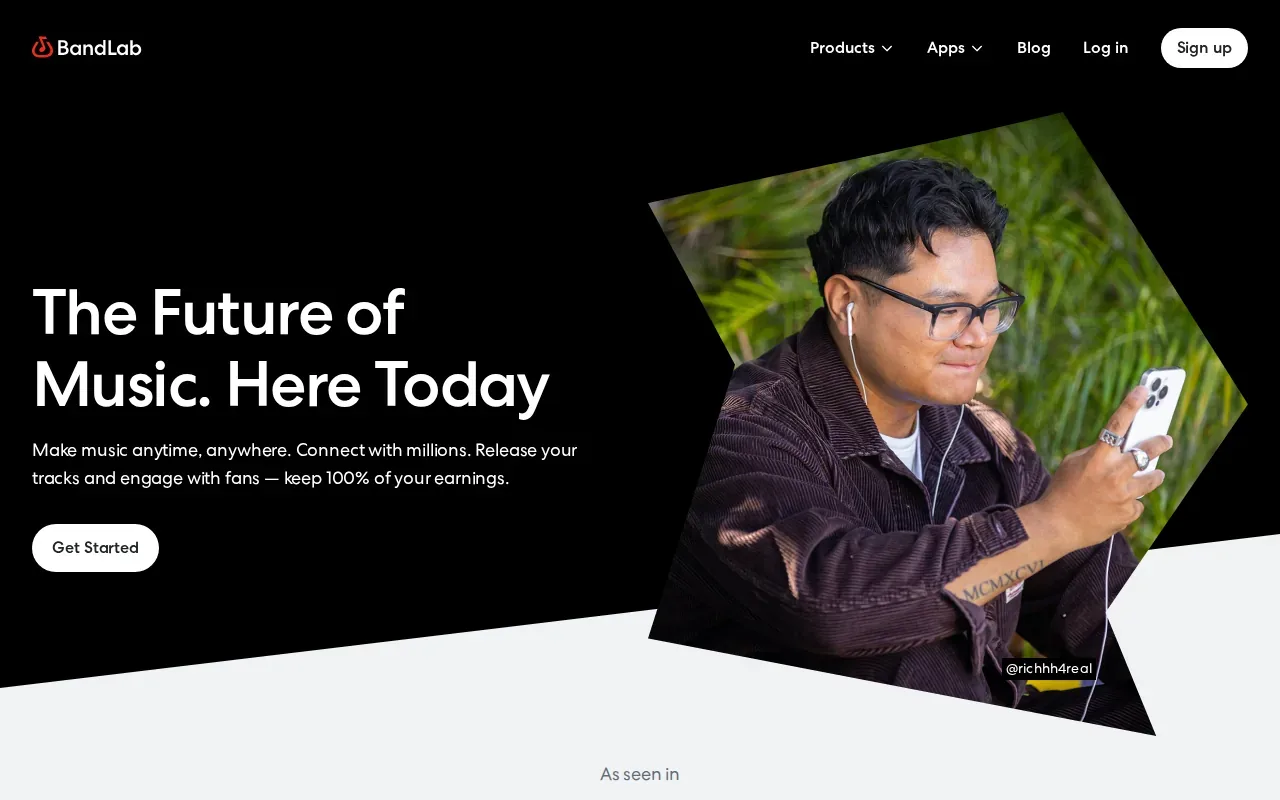
Its in-editor project sharing helps a collaborator review work in the same project context. That’s useful when you want feedback on a verse before tracking another pass. The workflow also includes take organization and non-linear editing. Keep expectations clear: browser convenience doesn’t mean it has every advanced vocal-processing tool found in a full desktop setup.
For a remote writing session or a rough demo, it’s a simple place to start. If your final mix needs detailed control, you may want to move the audio into a desktop DAW later.
8. Ocenaudio: Best for quick vocal cleanup and audio edits
Ocenaudio is a cross-platform audio editor with a familiar layout and real-time effect preview on selected regions. It suits quick cleanup and delivery prep, especially when you need to hear how an effect changes one part of a recording before applying it.

That preview can make a small edit easier to judge. You can focus on a selected section instead of processing the whole file to test an idea. Ocenaudio is an editor, not a full production setup for building a song around MIDI parts. If you need beat arrangement or a large multitrack session, choose a DAW instead.
For spoken-word recording or a quick vocal edit, the simpler layout may be an advantage. For detailed comping across many takes, look at a DAW with a workflow built around multitrack projects.
9. Ardour: Best for precise multitrack editing and routing
Ardour is an open-source DAW for Windows, Linux, and macOS. The source code is free, while the official ready-to-run builds ask for a small pay-what-you-want payment. It fits engineers who need precise, repeatable multitrack vocal editing and routing. That kind of control matters when a session needs to follow the same signal path each time you reopen it.

Ardour can record vocals, produce beats, and mix for streaming. Its strength here is detailed session control, not a claim that every beginner will find it simple. If you’re used to a more guided layout, plan time to learn how you want tracks and routing organized.
Its supported operating systems make it a choice for artists who don’t use a Mac-only setup. Check the current system requirements before installing it on your machine.
10. Mixcraft 10 Recording Studio by Acoustica: Best for PC users who like loop-based production
Mixcraft 10 Recording Studio by Acoustica is a Windows-only DAW for PC users who want loop-based production and a large content library. Its live performance panel and video editing capability set it apart from a basic voice recorder.

That combination may suit a creator who records vocals over loops and also works with video. It gives the project more than a simple audio-editing role, though the extra functions won’t matter to everyone. If you use a Mac or Linux computer, this isn’t an option for your setup.
Pick it when loops and video work belong in the same workflow. For a singer focused on takes and vocal edits, compare its wider feature set against the needs of the session.
Vocal recording software comparison: features, cost, and platform
The best fit depends on the job. Use a DAW when you need to record several tracks or build a song around a vocal. Use an audio editor for a focused cleanup task. Free access can help you start, but it doesn’t guarantee the routing or editing depth you need.
Option | Best fit | Platform or free access listed | Workflow note |
|---|---|---|---|
Pro Tools by Avid | Commercial-studio workflows | Free limited Intro tier | Take lanes and punch-in workflow |
REAPER by Cockos | Flexible tracking and routing | Windows, macOS | Non-destructive edits and reusable take templates |
Logic Pro by Apple | Mac songwriting and production | Mac | AU effects and Melodyne integration |
GarageBand by Apple | Free Mac recording | Free, macOS | Multitrack capture and punch-in |
FL Studio by Image-Line | Beatmakers tracking vocals | Windows, macOS | Clip-based workflow and built-in vocal processing |
Ableton Live 12 Suite | Live performance and production | Windows, macOS | Max for Live access in Suite |
BandLab | Browser recording and review | Free | Online sharing and take organization |
Ocenaudio | Quick edits and cleanup | Cross-platform | Real-time effect preview on selections |
Ardour | Precise multitrack routing | Open source (pay-what-you-want builds); Windows, Linux, macOS | Repeatable editing and routing |
Mixcraft 10 Recording Studio by Acoustica | Loop-based PC production | Windows | Live performance panel and video editing |
Prices change and differ by edition, so don’t assume a tool is free or affordable based on its feature list. Check current terms and operating-system support before installing. Voice-over and podcast sessions may need less production depth than a song with doubles, ad-libs, and a beat.
Quick vocal-recording setup checklist before you pick
Software can’t repair every problem at the source. Before choosing a DAW, make sure your room, mic, and input level can give it a clean recording to work with.
Quiet the room. Turn off fans and other noisy gear. A closet with clothes or soft furnishings can reduce reflections.
Set the mic position. Start with a pop filter between you and the mic. Keep your distance steady, and angle slightly off-axis if plosives or sharp “s” sounds are a problem.
Check the loudest line. Set input gain while performing the loudest part. Leave headroom and keep the meter out of the red.
Make a short test take. Listen for room echo, background noise, and clipping before tracking the full song.
Plan your comp. Record a few focused passes, label each take, then choose the strongest phrases. Don’t keep pushing through once fatigue affects the performance.
A clean, dry take gives you more room to make mixing choices later. Keep a vocal-plugin choice separate from your DAW decision; if you’re comparing pitch tools, see these vocal autotune plugin options. Hardware matters too, but an interface and mic can’t replace good input-level control.
Pro Tip: If the beat is too loud in your headphones, lower it before turning up the mic gain. A loud backing track can push you to perform harder than you intended.
Need a beat that fits the vocal you’re recording? This home rap-vocal recording workflow covers tracking basics, while Indepth Jay Beats has licensed instrumentals and custom production options for independent artists.
Frequently asked questions
What is the best vocal recording software for beginners?
GarageBand by Apple is a good free starting point if you use a Mac. BandLab is a free browser-based choice for quick takes and project sharing. Pick based on where you want to record: GarageBand is a macOS recording suite, while BandLab’s workflow is online. Neither choice removes the need to set input levels and check your room.
Can I record vocals for free?
Yes, you can start with free vocal recording software. GarageBand by Apple is free for macOS, BandLab has a free tier, Ardour is open source with pay-what-you-want official builds, and Pro Tools Intro is a limited free tier. Check the current terms before you begin, since free access can have limits and may not include every feature you want.
What software is best for recording rap vocals?
For rap vocals, choose a DAW that fits the beat-making and editing workflow you already use. FL Studio by Image-Line suits beatmakers recording in the same project. GarageBand is a free Mac starting point, while REAPER by Cockos gives Windows and macOS users flexible routing. Record a clean take first, then add effects while mixing.
Do I need vocal plugins to record?
No, you don’t need vocal plugins to capture a vocal. A DAW records audio; plugins add effects or processing such as EQ, compression, de-essing, or pitch correction. Start with a clean recording and add processing when you mix. A plugin can’t undo a clipped take or remove strong room echo reliably.
What should I use for voice-over or podcast recording?
For a simple spoken-word take, an audio editor such as Ocenaudio may be enough for recording and quick cleanup. Choose a full DAW if you need several tracks, music beds, or detailed routing. Before you settle on software, test your microphone input and listen for room noise. Voice-over work still benefits from a quiet space and steady mic distance.
Conclusion
Choose the DAW that matches your computer and the way you record: GarageBand or BandLab for an easy start, REAPER for flexible tracking, or Pro Tools for a studio-focused workflow. Make a short test session before committing. If the song needs a beat, browse Indepth Jay Beats’ licensed instrumentals or ask about custom production.
Written by IndepthJayBeats
Jason Szklarek is the producer and composer behind IndepthJayBeats. Creating music since 2007, he specializes in hip-hop, trap, and R&B instrumentals for artists building their sound.
Keep building your sound
INDEPTHJAYBEATS
Find your next beat.
Put the ideas into practice. Explore boom bap, trap, and R&B instrumentals and find the sound for your next record.
Listen & Shop Beats