Music Marketing
Music Marketing
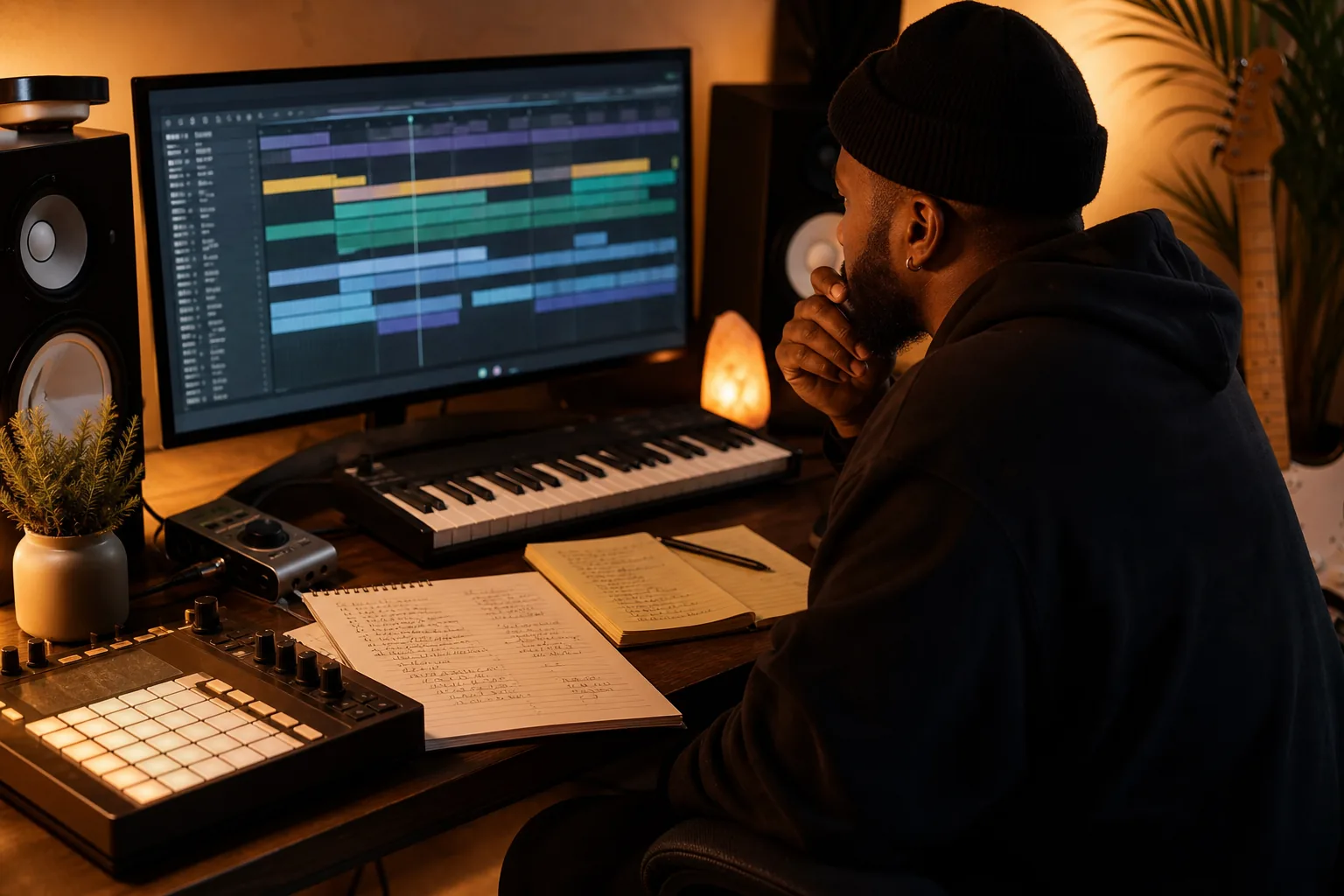
Best Lyric Video Maker Tools for Indie Artists
A clean lyric video can put your song in front of people before you ever shoot a full music video. Lyric video maker tools range from quick phone edits to AI scene builders, so you can pick the right fit without wasting release week.
Here are the best options for independent artists, plus the trade-offs around lyric sync, visuals, export quality, and social clips.
Table of Contents
1. Indepth Jay Beats
Indepth Jay Beats is the best starting point when the video is only one part of a bigger release plan. I make hip hop, trap, boom-bap, and R&B beats for artists who need a strong song before they worry about the screen.
A lyric video can't rescue a weak record. The beat sets the pace for every visual choice. A dark trap beat may call for sharp cuts and low light. A soulful R&B record may need slower text movement with more space around each line. Start with music that gives your visuals something to work with.
Indepth Jay Beats also gives you a clear path when you need more than a lease. You can shop beats for a new single, ask about custom production, or plan a version with stems, which are the separate track files you can remix later. That matters when you want a clean instrumental under spoken intro clips or a stripped hook for social content.
Jason has produced music since 2007 and has made more than 5,000 beats. That background helps keep the focus on song structure, vocal space, and release use before the video work begins. **Pick the record first.** Then choose a lyric video maker that matches its mood.
If you're building a full rollout, one song can feed several assets. A hook can become a vertical lyric clip. A verse can become a quote graphic. A short instrumental section can back a studio post. The planning guide shows how to map those pieces before you edit.
Indepth Jay Beats is not a video editor, so you still need a separate tool for text timing and export. But that limitation is clear. Get the beat, license it simply, record the song, then build visuals around a track you actually want to push.
Love, Jason.
2. Kapwing - Fast browser editing and lyric transcription
Kapwing is a browser-based lyric video maker for artists who already have footage, cover art, or stock clips. Its main strength is editing speed. You bring the visuals, then use transcription and a drag-and-drop timeline to place lyrics over them.
Upload your song first. Add the lyrics through its subtitle tools, then check every line against the vocal. Auto transcription can save time, but names, slang, ad-libs, and repeated words still need a human check. One wrong word in the chorus stands out fast.
For the text layer, set a font that stays clear on a phone. Use a strong contrast between the letters and the background. Keep the main lyric block away from the bottom edge, where app controls may cover it.
Kapwing works best when you want the lyrics to sit over your own world: rehearsal footage, a night drive, a performance take, or a loop made from cover art. It does not generate a complete visual story from the audio itself. You must choose or upload the background.
Long tracks may take more patience in the browser. A short single or a chorus clip is easier to manage than a large project with many layers. Export a test section before you build the whole video. That catches font, timing, and crop problems early.
3. CapCut - Quick mobile lyric clips for TikTok and Shorts
CapCut is a strong choice for casual artists who need a quick lyric clip from their own phone footage. This lyric video maker is built for short-form work, so it makes sense for TikTok, Reels, and Shorts rather than a polished full-length visual story.
Start with a vertical project if your main goal is social discovery. Add the audio, place your footage on the timeline, then type or paste the lyric lines. Check the editor before you start, since app features and plan limits can change.
Expect to do more manual timing than you would with a tool made only for lyric videos. Play the song at half speed when a line lands between beats. Split long lines into smaller chunks. A phone viewer should be able to read each phrase before the next one arrives.
Keep effects tied to the record. A glitch effect can fit a tense trap hook. It may feel wrong on a soft vocal ballad. Text bounce, channel shift, and glow can add energy, but too many effects make the words hard to follow.
CapCut has a wide set of free tools, while some advanced features require a paid plan. Platform availability can also face regulatory review. Don't build your whole release around one mobile app. Save your clean audio, lyric text, and source clips in a separate folder.
Make one 15 to 30 second clip first. If the hook reads well on a small screen, repeat that style for the rest of the rollout.
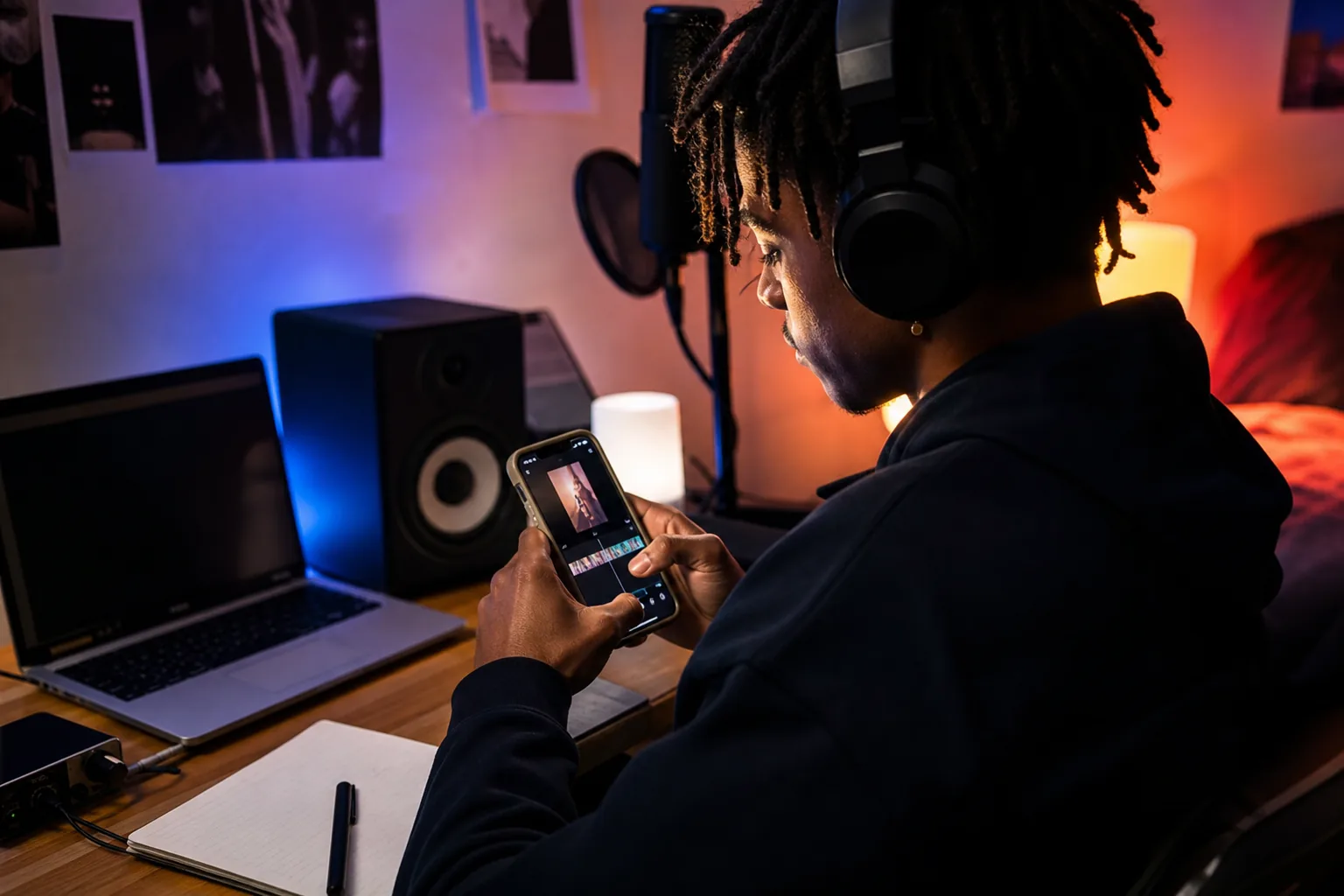
4. MVLAND - AI-generated visuals for a more cinematic release
MVLAND is for artists who want the lyric video maker to shape a larger visual story. It analyzes lyric themes and emotional content, then uses those ideas to guide AI-generated scenes.
That makes it different from a basic editor. A basic editor places words over footage you provide. A music-first tool tries to connect the visual mood to what the song says. A line about isolation might lead toward empty streets or a lonely room. A line about pressure might push the visual tone toward tight spaces and hard contrast.
The workflow is better for a full release visual than for a quick 20-second post. You may review a storyboard, adjust the visual idea, and rerender scenes that miss the mood. That extra control can help when the track needs a world around it, not just animated captions.
The split between traditional on-screen lyrics and visuals built from lyric meaning is useful to understand. MVLAND fits the music-first category, beside tools such as Neural Frames.
There is a catch. A full creative workflow is too much for a simple social clip. The free plan is limited to short videos, so a full-length release may need a paid plan. AI scenes can also interpret a line in a way you don't want. the result before export.
Platform fit deserves a check too. Research across 14 tools found that only 57% clearly listed supported platforms. AI-heavy tools focus on places such as YouTube or Spotify Canvas and may not promise native exports for every social app. Keep a clean master so you can crop and reframe it yourself.
Use MVLAND when the visual concept matters as much as the words. For a fast hook clip, a browser or mobile editor will usually get you there sooner.
5. After Effects + Template - Maximum control over motion typography
After Effects with a lyric template is the pro route for artists who want full control. It takes more time, but you can shape every word, cut, camera move, transition, and effect around the beat.
A template gives you a starting structure. You can change the font, text size, color, stroke, glow, and animation style. With enough skill, you can build a visual language for a whole EP. One chorus might use a wide type block. A final word might expand, shake, or split across the frame.
Professional motion work is also where timing gets precise. You can place each lyric line on the exact frame where the vocal starts. You can trim the animation without changing the audio. You can add a chromatic aberration effect, a monochrome grade, or camera shake only when the song calls for it.
Choose this route when... | What you gain | What you give up |
|---|---|---|
You want a signature visual style | Detailed control over type and motion | More setup time and skill |
You need a repeatable EP template | Reuse of layouts and animation rules | Each song still needs timing checks |
You plan a polished YouTube release | Strong control over 1080p or 4K output | Software and template costs |
You only need one short clip | Room for a custom hero moment | The workflow may be overkill |
Research for this comparison places the software at about $23 per month, with templates often costing $20 to $50. Treat those figures as current guide values, not a promise of a fixed checkout price. Check the plan before buying.
If you have never used After Effects, the learning curve is steep. A freelancer may be a better choice when the release date is close. You pay more, but you avoid spending nights fixing masks and keyframes. Either way, ask for the final MP4 plus a clean version you can crop for social posts.
How to Use Any Lyric Video Maker for a Release-Ready Video
The tool matters less than the handoff. A good lyric video maker still needs clean audio, correct words, readable type, and export settings that fit your target platform.
Start with the right audio and lyrics
Upload the final mix, not a rough demo. Use a WAV when the tool accepts it. Keep a plain text lyric sheet nearby, with each line broken where you want it to appear on screen.
Listen through the first render with headphones. Check names, slang, repeated hooks, background vocals, and ad-libs. Auto transcription is a draft. It is not your final lyric sheet.
Make the text easy to read
Pick a font with clear letter shapes. Set the size while viewing the project on a phone, not only on a large monitor. Use contrast, then add a shadow or outline if the background shifts behind the words.
Keep each screen focused. If a bar is long, split it into two lines. If the vocal moves fast, show fewer words at once. The viewer should read the lyric without pausing the video.
Match the background to the song
Use your own footage when you have it. Stock footage can work too, but it must fit the song's energy. Cut visual changes near drum hits or phrase changes. A random clip can make a strong record feel thrown together.
AI visuals need the same check. If the tool invents a scene that clashes with your meaning, rewrite the prompt or replace the shot. A polished wrong idea is still wrong.
Export for each platform
Make a 16:9 master for YouTube. Then prepare a 9:16 version for TikTok, Instagram Reels, and YouTube Shorts. Keep the main lyric area inside the safe center so platform buttons don't cover it.
Export in HD when the tool supports it. Use 4K only when the source visuals and text stay sharp at that size. Watch the downloaded file from start to finish. Check the first frame, the final frame, audio sync, spelling, and any watermark.
Don't stop at one upload. A full lyric video can become a hook clip, a verse clip, a teaser, and a Canvas-style loop. Paid promotion works best after you see which clip earns saves, shares, or comments. You can also review this rap song advertising guide for additional reading.
If you want to understand how newer tools pair text, sound, and generated scenes, explore this text-to-video AI with sound. It is useful context, but don't let automation replace a lyric check.
FAQ
What is the best lyric video maker for beginners?
The best lyric video maker for beginners is usually a simple browser editor or mobile editor. Pick Kapwing when you want browser-based transcription and your own footage. Pick CapCut when you need a short vertical clip from a phone. Check every auto-generated line before you export.
Can I make a lyric video for free?
Yes, you can make a lyric video for free, but the trade-off may be a watermark, lower resolution, manual timing, or limited exports. Free tools can work for a test post. For a release tied to monetization, confirm the usage rights and download terms first.
How do I sync lyrics to a song?
You sync lyrics by matching each line to the moment the vocalist starts and ends it. Auto transcription can set a first pass. Play the track back and fix names, slang, pauses, and fast bars by hand. Split long lines when the viewer can't read them in time.
What size should a lyric video be?
A lyric video for YouTube is usually built in a widescreen 16:9 layout. Social clips work better in a vertical 9:16 layout. Keep a clean master, then make separate crops instead of stretching one file across every platform.
Should I use AI to make a lyric video?
Use AI when you want help with transcription or a visual concept. A music-first lyric video maker can build scenes around lyric meaning, while an editor needs footage from you. AI can still miss timing or interpret a line badly, so review the full video before posting.
Conclusion
For most independent artists, start with a clean beat and a simple editor. Use CapCut or Kapwing for fast social clips, and move to MVLAND or After Effects when the release needs a larger visual world. Pick one song, fix the lyric sheet, and export a 15 to 30 second hook today. Love, Jason.

Get 20+ Free Beats delivered to your inbox
Drop your name and email and I'll send a pack to your inbox right away.
We respect your inbox, no spam. Promise!